
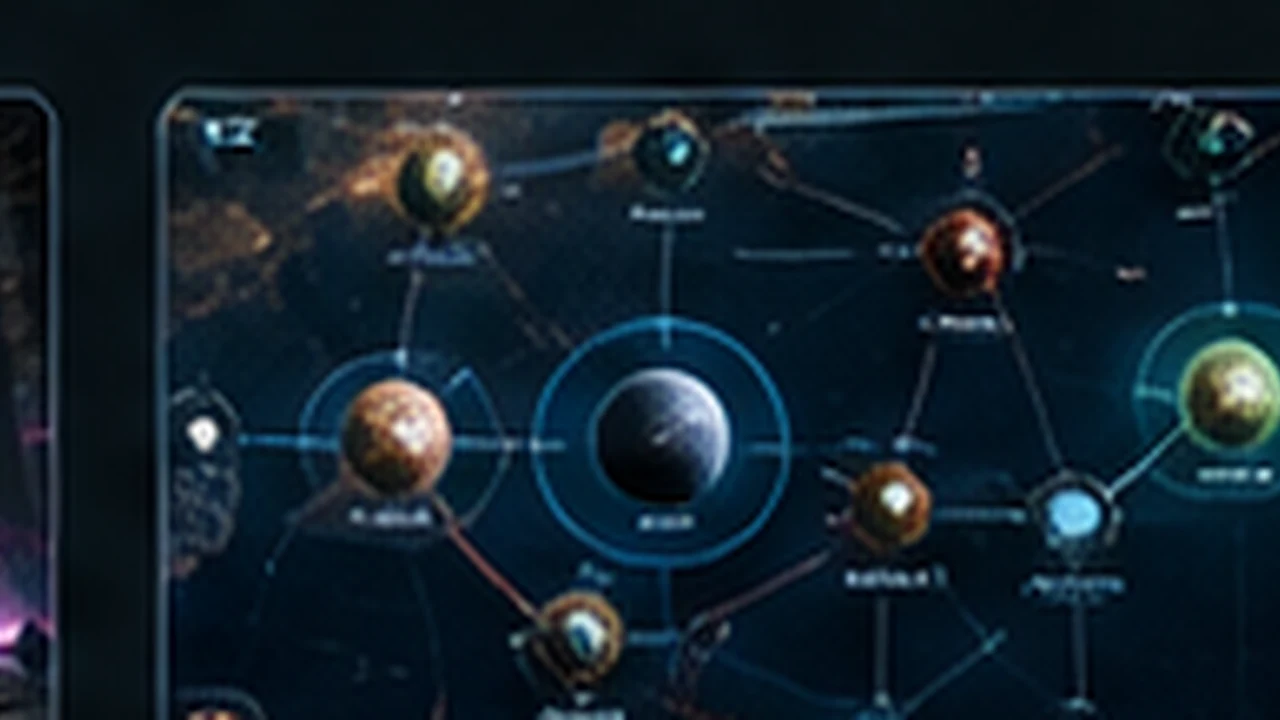
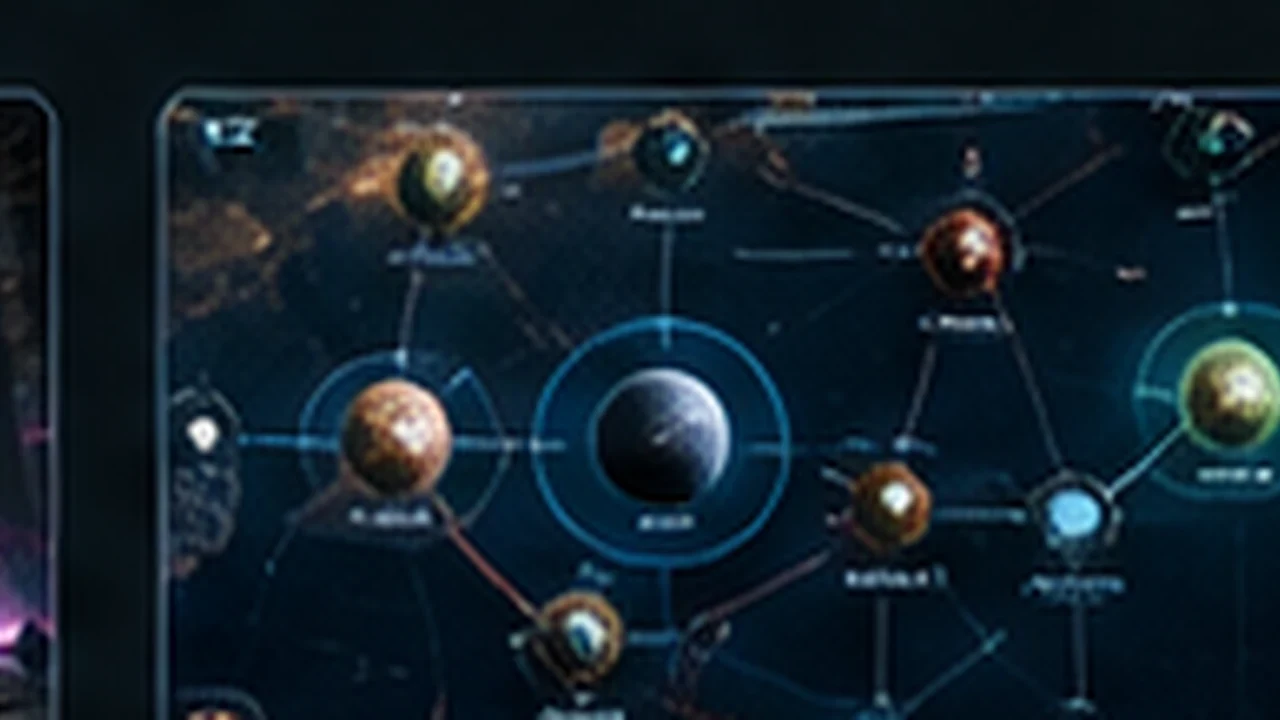
Use the Nexus as your fleet/inventory decision screen and the Discovery Tree as the long-term unlock map. The August 2026 demo redesigned Nexus because players were accidentally equipping squadrons, while Discovery Tree navigation now supports full zoom-out. Treat both as planning tools: simplify the fleet before the next mission, then buy unlocks that change an actual run decision.
What changed in Nexus V2
Developer notes describe the Nexus as the ship/relic/etc. inventory. The older layout was confusing enough that players could equip a squadron accidentally; the V2 layout was rebuilt to make fleet management clearer.
The Nexus workflow between missions
The gameplay tutorial shows the full between-mission loop that runs through this screen: accept or decline the reward choice, replace ships you lost in the ships panel before starting the next mission, assign powers to your mothership, and review the squadron you just added. New squadrons granted mid-run appear here first, so checking the Nexus before warping is how you avoid launching a fight with a half-replaced fleet.
- Rewards can be declined. Tutorial runs show uncommon offers being weighed against current fleet needs rather than auto-accepted.
- Mothership power slots are assigned here; the tutorial notes that tooltip clarity was limited in its build, so verify what a power does before committing.
- Replacement ships cost resources, so the ships panel doubles as a budget check before the next node.
Mid-mission squadron deployment
Tutorial footage shows additional squadrons being deployed during a mission: press and hold on an empty squadron slot, then choose which squadron to bring into the battle. The same footage reports that there is no drag-box selection, so squadrons are commanded individually. Practice this once in a safe mission so the deployment reflex exists before a fight that actually needs it.
Discovery Tree is easier to navigate
The August update added the ability to zoom all the way out on the Discovery Tree. That matters because persistent unlock planning is only useful if you can compare branches instead of buying the next visible node by default.
Prioritize unlocks that change run decisions
The May 2026 notes also confirm ship-selling at the Vendor is gated by a Discovery and can be upgraded by later Discoveries.
- Economy access such as Extractor-related unlocks when resource pressure is your repeated failure point.
- Vendor / ship-sale options when inventory quality and resource conversion matter more than raw capacity.
- Defensive infrastructure or Repair Mothership access when attrition ends otherwise strong runs.
- Faction-specific colony tech when it directly strengthens the build engine you are using.
Cheaper Discoveries and what has not shipped yet
Version 0.2.808 reduces the cost of most Discoveries. Compare the current branch prices before spending Flux; an old build-planning screenshot can overstate the amount you need.
The 3 November 0.2.811 announcement schedules Tactical Pause and a paid Discovery Re-Spec that refunds Flux for a later November update. They are announced features, not newly available controls in 0.2.811. Do not spend Flux on the assumption that this build already offers that refund.
Sources & version note
EA v0.2.811 · Updated 2026-11-04. Use the released version named beside the task; announced later updates have separate conditions.